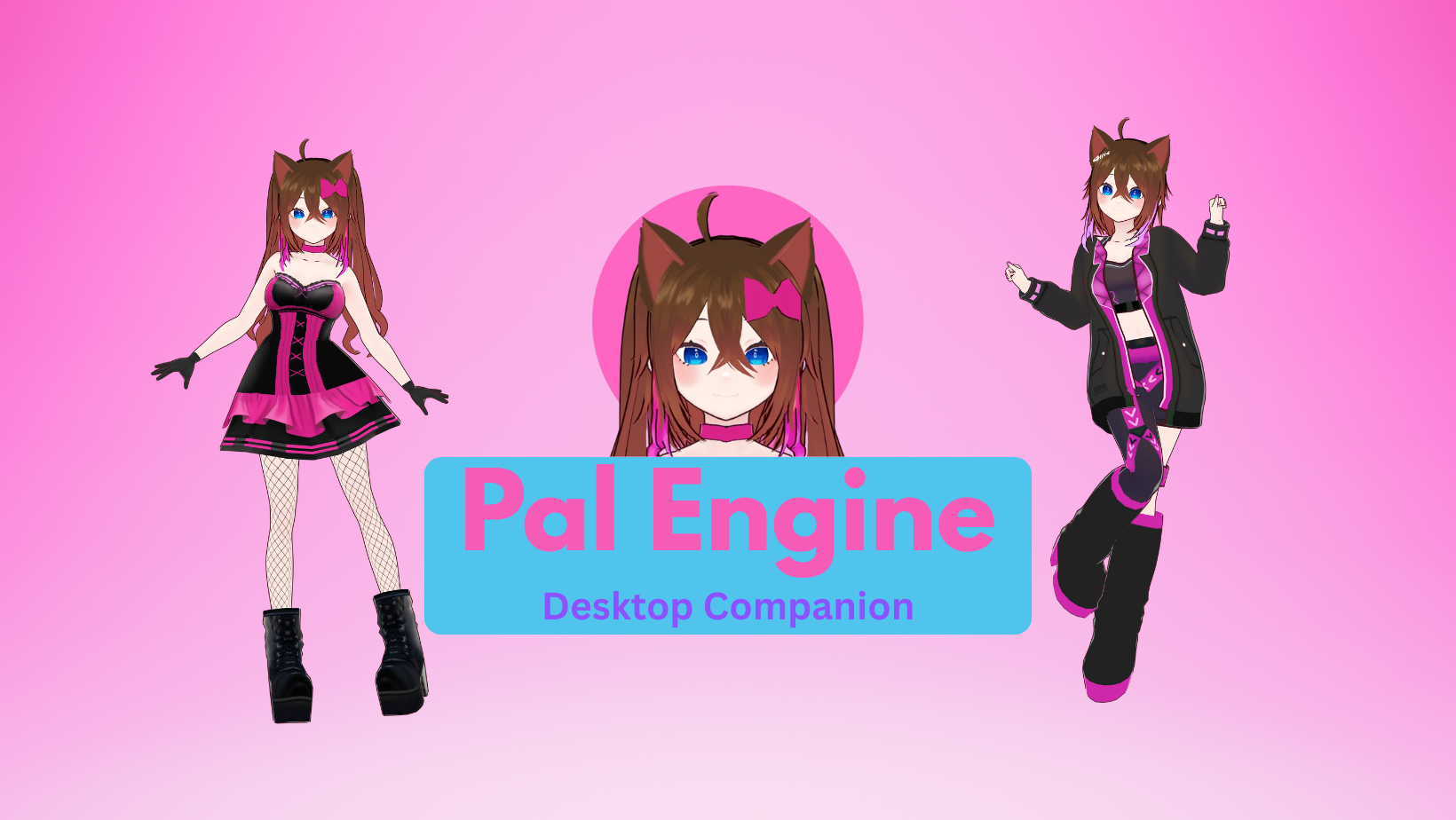
📸 Character Photo Booth now supports richer scene building Character Photo Booth was refactored to support more characters, text, scene objects, and scene lights in one project, making it much easier to build more complete staged screenshots inside the app.
🎛️ Tone Mapping control is now available in Character Scene Settings Character Scene Settings now includes tone mapping control, so you can adjust the renderer output more intentionally instead of being locked to one scene look.
💡 Scene light controls are now part of Character Scene Settings Character Scene Settings now also includes dedicated scene light controls, making it easier to tune the mood, brightness, and direction of the character scene directly from the client.
😊 Character Facial Expressions are now available in the Client Pal Engine now includes a dedicated Character Facial Expressions workflow inside the Client, with reusable facial presets and animation-based assignment controls in one place.
👁️ Live facial preview is cleaner and more reliable Facial preset editing now uses a focused live head preview with improved eye-level framing, faster updates while adjusting sliders, and a roomier page layout for the controls.
🎭 Better expression assignment tools per animation Animation Assignments now support clearer facial preview behavior, smoother sequence tuning, and a more usable control layout while configuring which expressions should play for each animation.
🧩 Generic facial presets work across characters more cleanly The facial preset flow was simplified around one shared generic blend, reducing setup complexity while improving compatibility with different VRM expression naming differences.
🎨 Character controls keep getting cleaner Character Props and Character Facial Expressions received additional client-side layout cleanup so search, pagination, previews, and editing flows are easier to use.